
Markdown, the way
it should look.
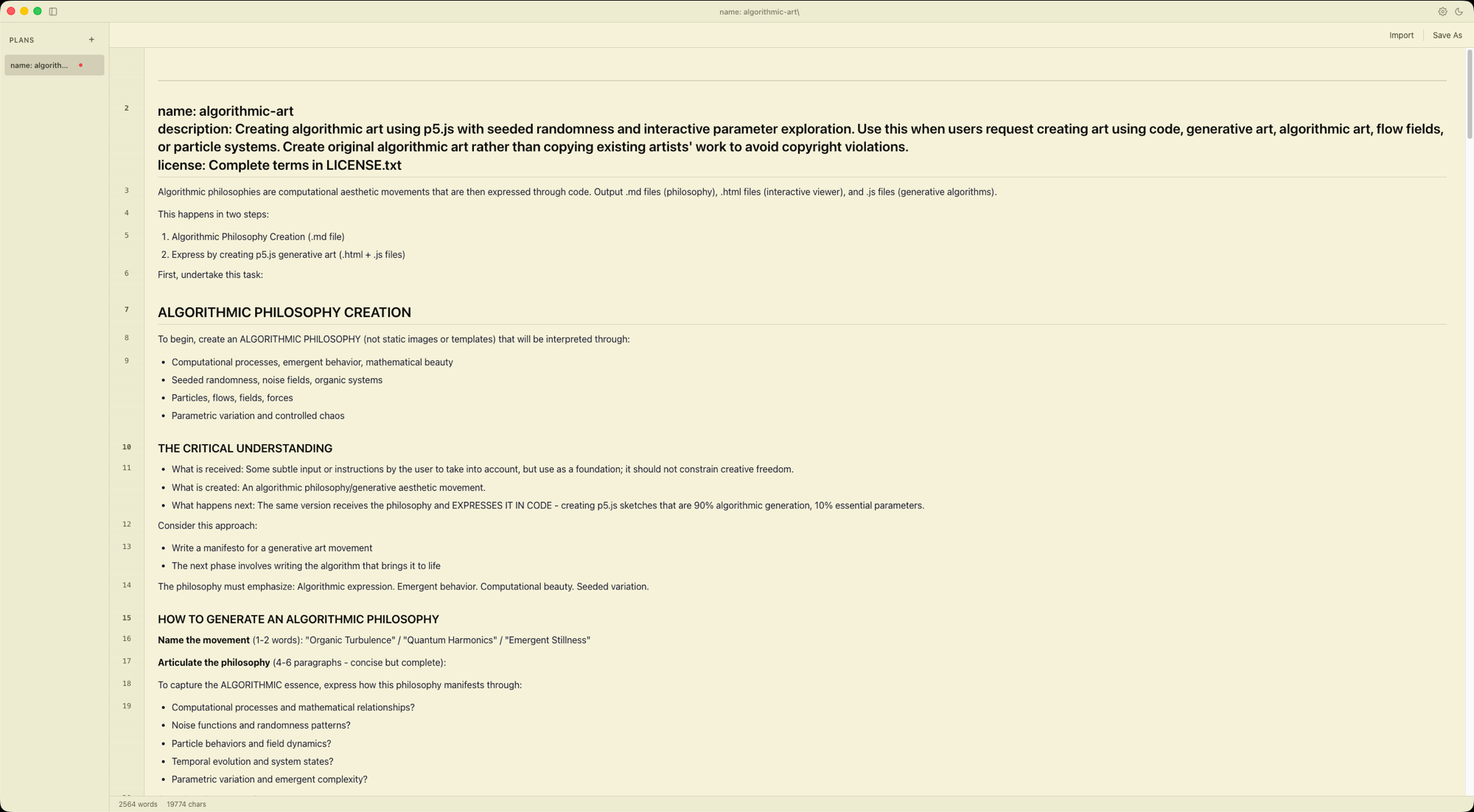
A true WYSIWYG editor designed for Claude Code plans. No split pane. No preview toggle. Just write.
Get started in seconds
Install Markingdown and start writing immediately.
# Download from GitHub Releases
Download DMG
Everything you need to write
A clean, focused editor packed with the features developers actually use.
True WYSIWYG
See your markdown rendered in real-time. No split panes, no preview toggle.
Slash Commands
Type / for 18 formatting commands with fuzzy search, just like Notion.
Syntax Highlighting
150+ languages with automatic detection. Code blocks look just right.
Multi-Tab
Work on multiple documents at once. Drag to reorder. Switch with Cmd+1-9.
Keyboard Shortcuts
Cmd+N, Cmd+S, Cmd+O, Cmd+B, and many more. Everything at your fingertips.
Local & Private
No cloud. No telemetry. No account needed. Your files stay on your machine.
Export anywhere
Your documents, in the format you need. One click.
Markdown
.mdThe universal format. Raw markdown files, always portable.
Styled PDF export via Electron's native renderer. Print-ready.
HTML
.htmlSelf-contained HTML with embedded CSS. Share anywhere.
LaTeX
.texAcademic-ready export via Pandoc. Perfect for papers and reports.
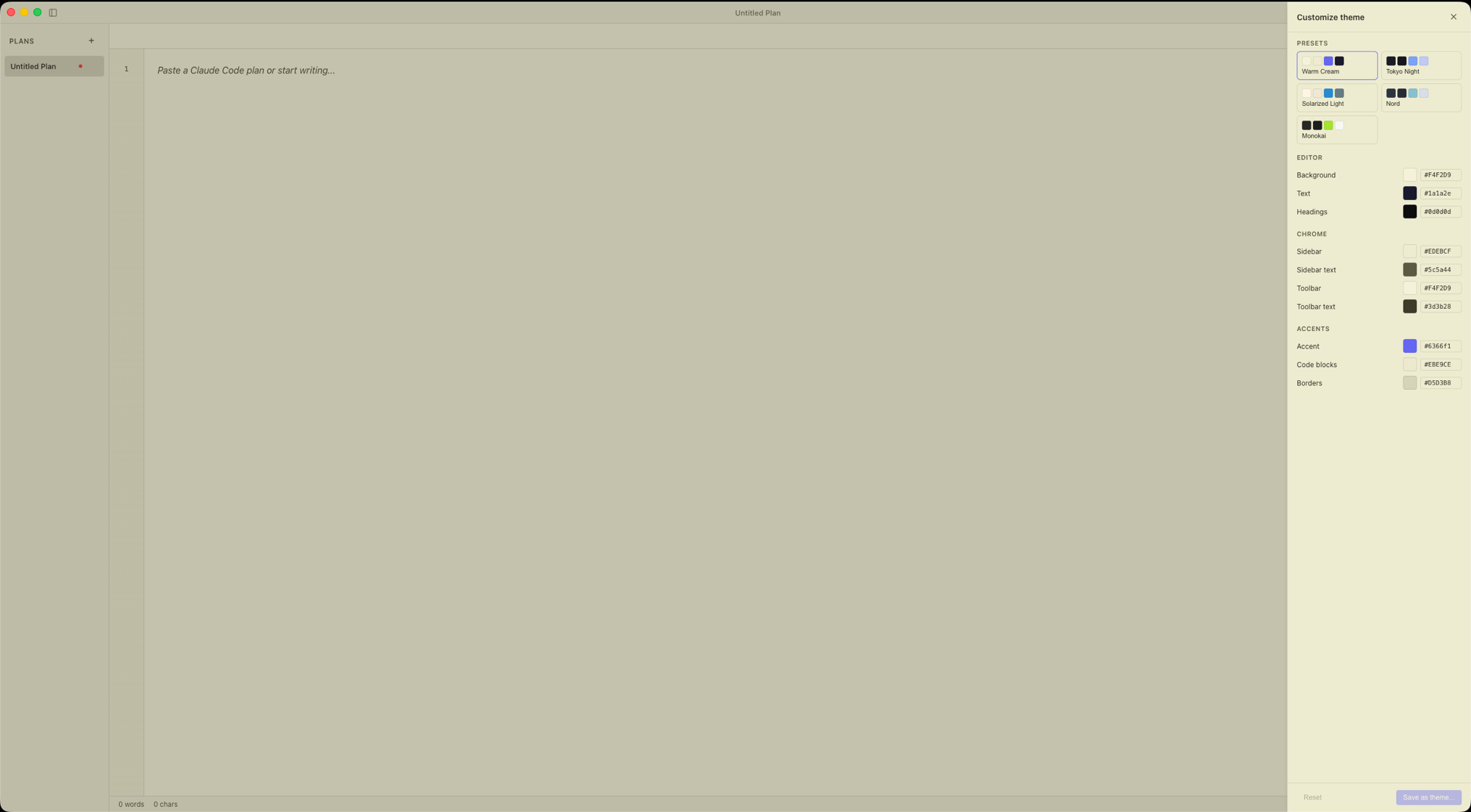
Make it yours
5 built-in themes, plus unlimited custom themes with a live color picker.
Built for Claude Code
Paste output from Claude Code and watch it transform into beautiful, structured markdown.
ANSI Cleanup
Paste terminal output directly. ANSI escape codes are automatically stripped and normalized.
Plan Detection
Claude Code plans are auto-detected and converted to clean, structured markdown.
ASCII Table Conversion
Terminal ASCII tables with box-drawing characters are converted to GFM table syntax.
Drag & Drop
Drop .md, .markdown, or .txt files directly into the editor from your file system.
╭──────────────────────────╮
│ Plan: Add auth middleware │
├──────────────────────────┤
│ [TODO]: Validate tokens   │
│ [TODO]: Add rate limiting │
╰──────────────────────────╯## Add auth middleware
| Task | Status |
|------------------|---------|
| Validate tokens | pending |
| Add rate limiting | pending |
Ready to write?
Download Markingdown for macOS. Free and open source.
Requires macOS 11+. More platforms coming soon.